Image to image · text to image · 4 models
Image to Image AI: edit any picture with a prompt
Upload a photo, say what should change — the background, the style, the outfit, the light — and get a new image in 10 to 60 seconds. Nano Banana 2, Nano Banana Pro, GPT Image 2 and Seedream in one place, up to 4K.
- Image to image · text to image
- 4 models in one place
- Up to 14 reference images
- Up to 4K
- Free images to start
Before and after, with the exact prompt
Real results from this site and the prompt that made each one. Use one as a starting point.
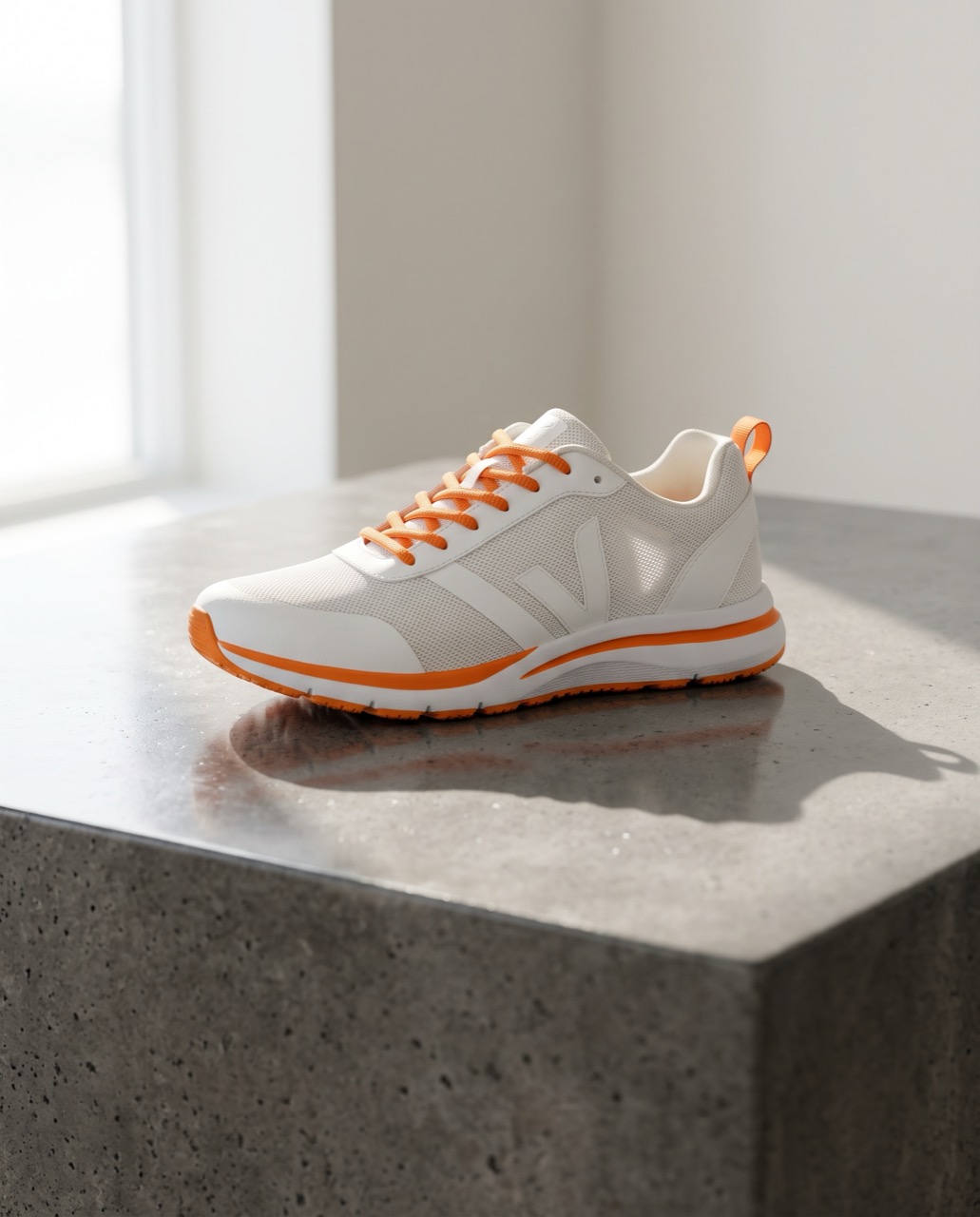 BeforeAfter
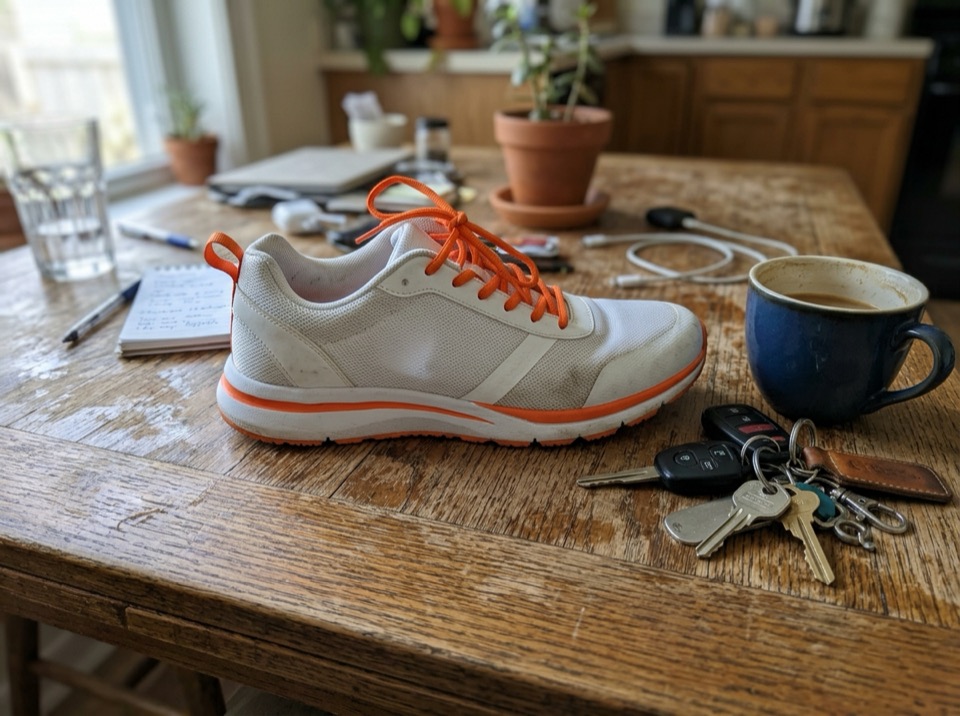
“Place this sneaker on a polished concrete plinth in a bright studio with soft window light and a long shadow. Keep the shoe's shape, colors and logo exactly the same.”
Image to image · Nano Banana 2 · 2K
Use this prompt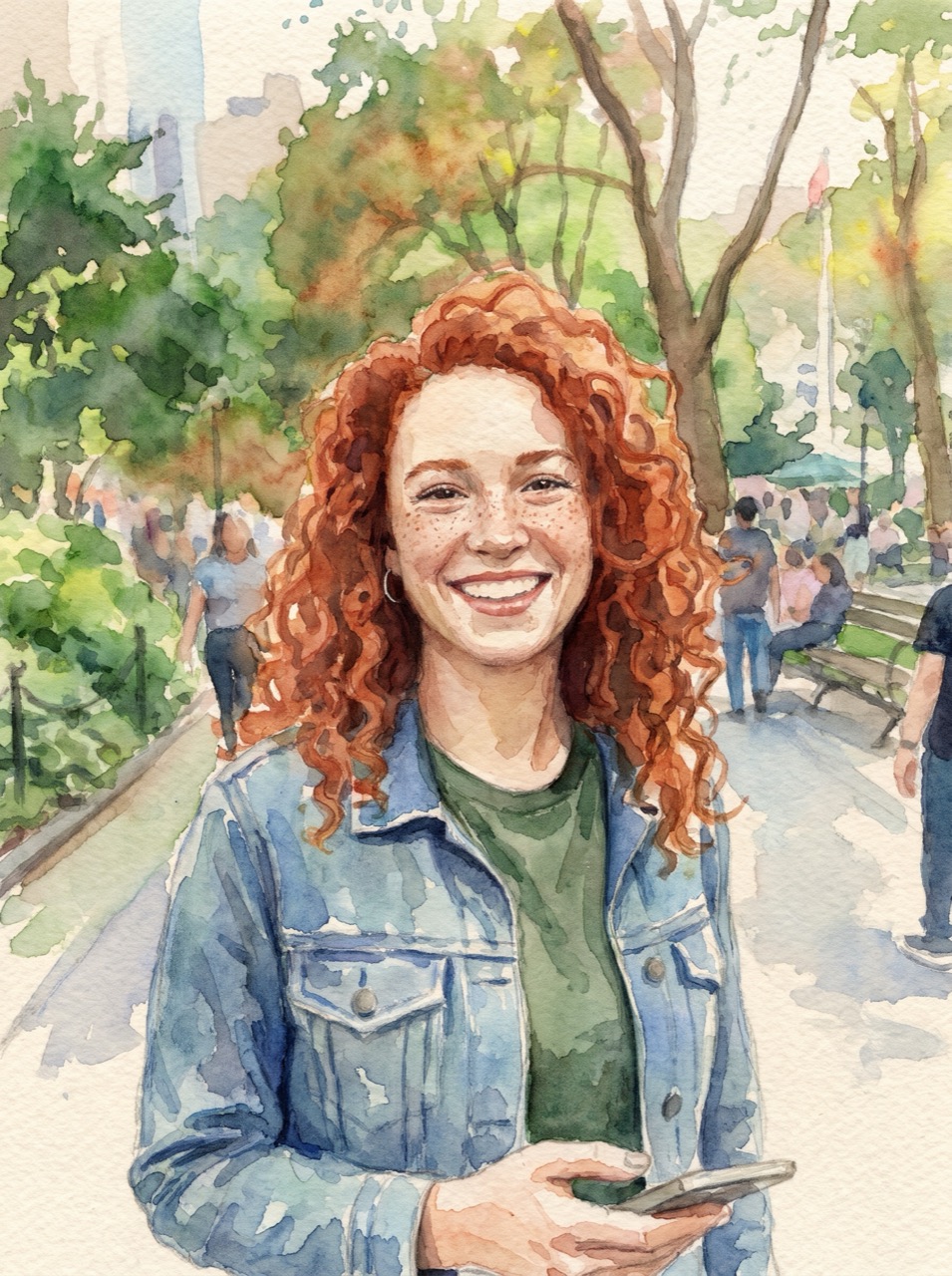 BeforeAfter
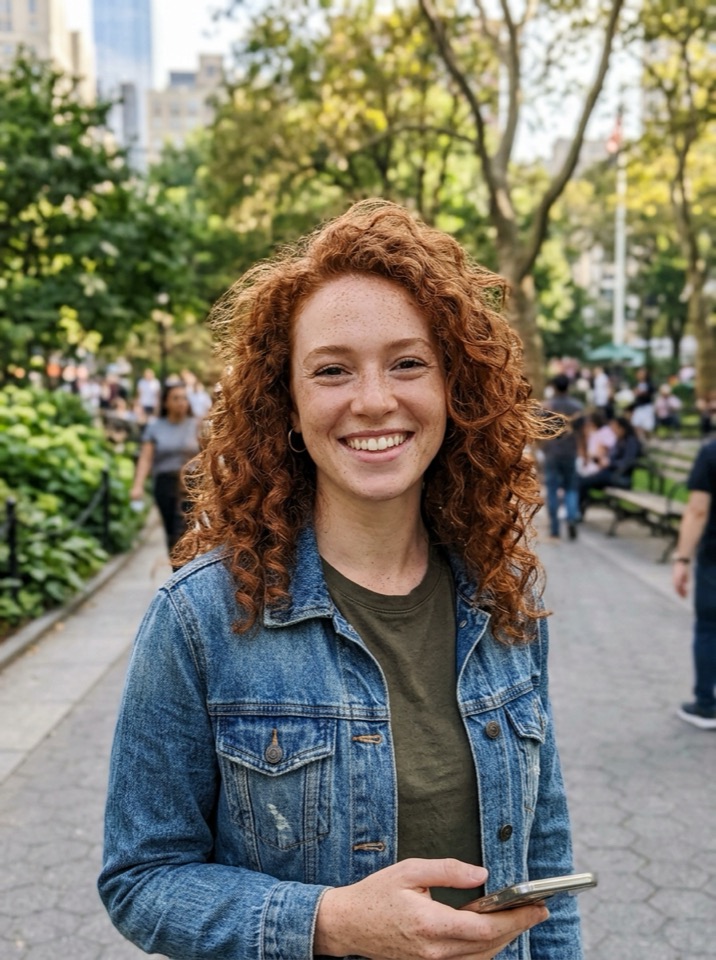
“Turn this photo into a loose watercolor illustration on textured paper. Keep her face, hair and pose recognizable.”
Image to image · Nano Banana Pro · 2K
Use this prompt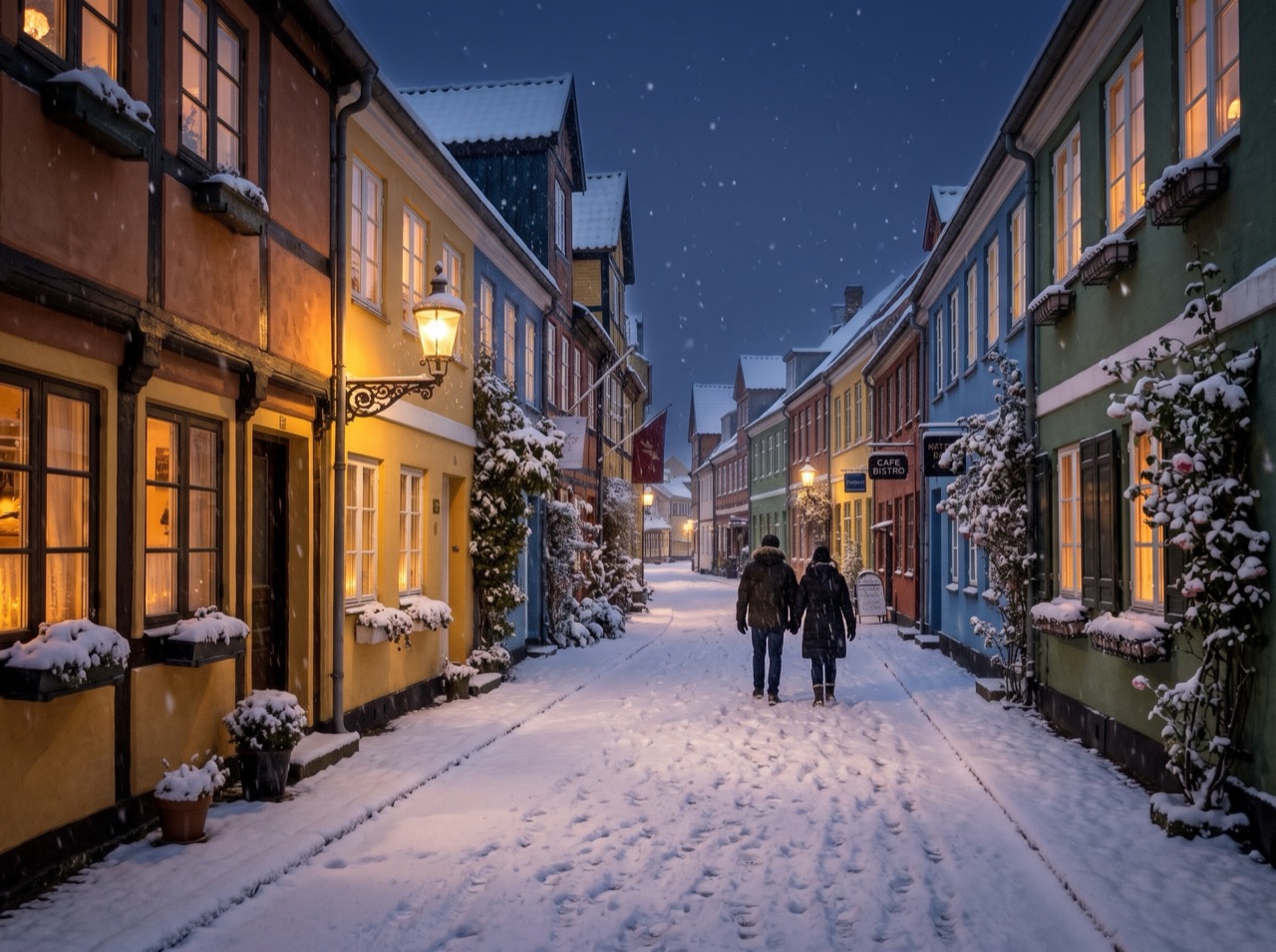 BeforeAfter
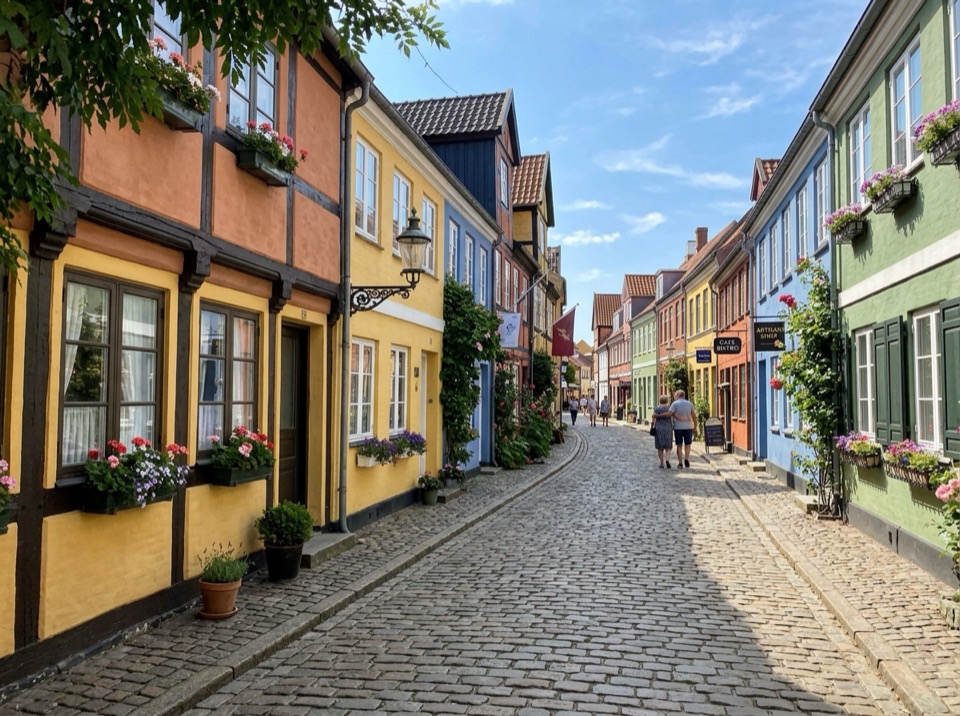
“Make it a snowy winter night: snow on the roofs and street, warm light in the windows, falling snow. Keep the buildings and the camera angle.”
Image to image · Nano Banana 2 · 2K
Use this prompt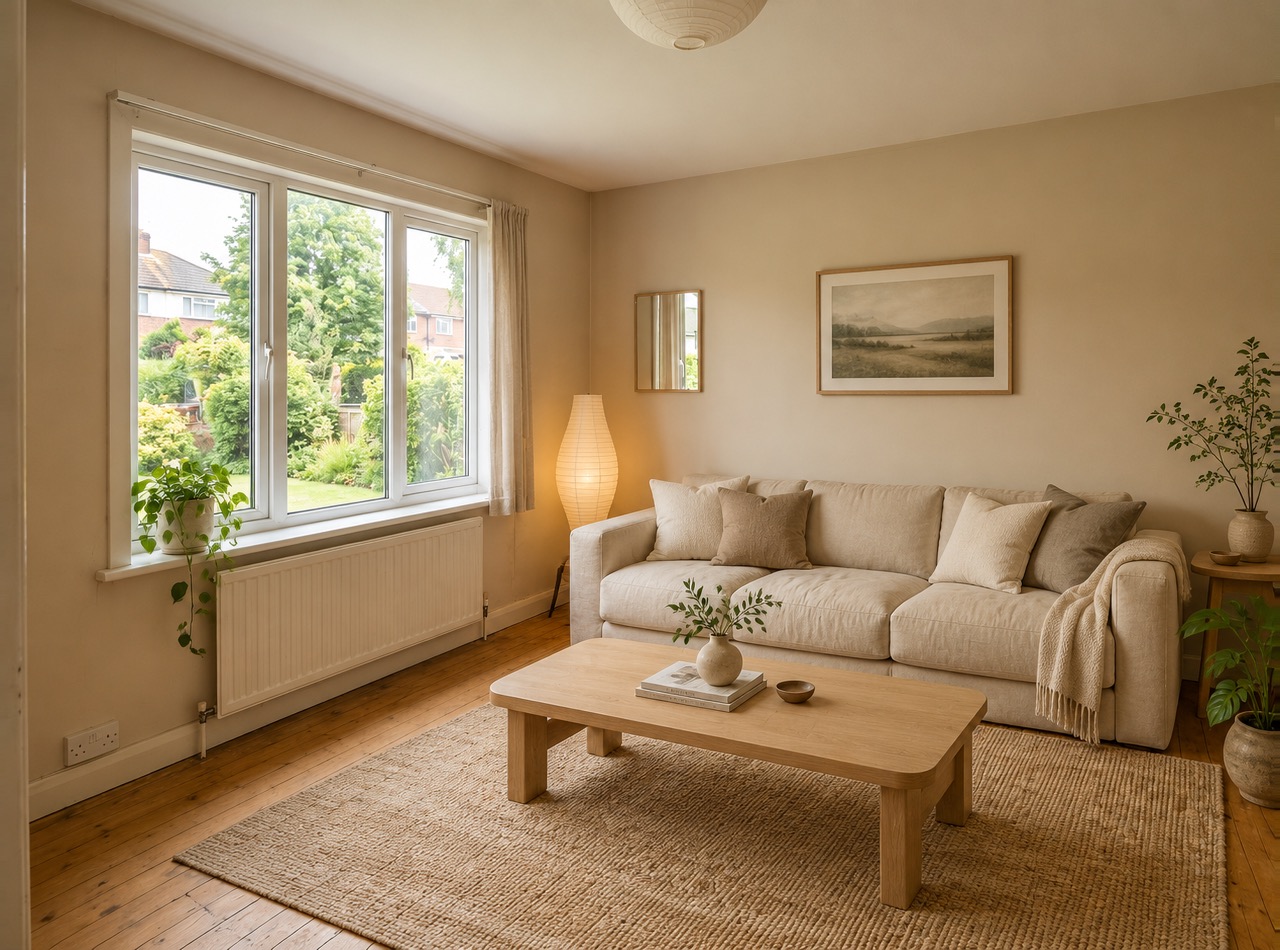 BeforeAfter
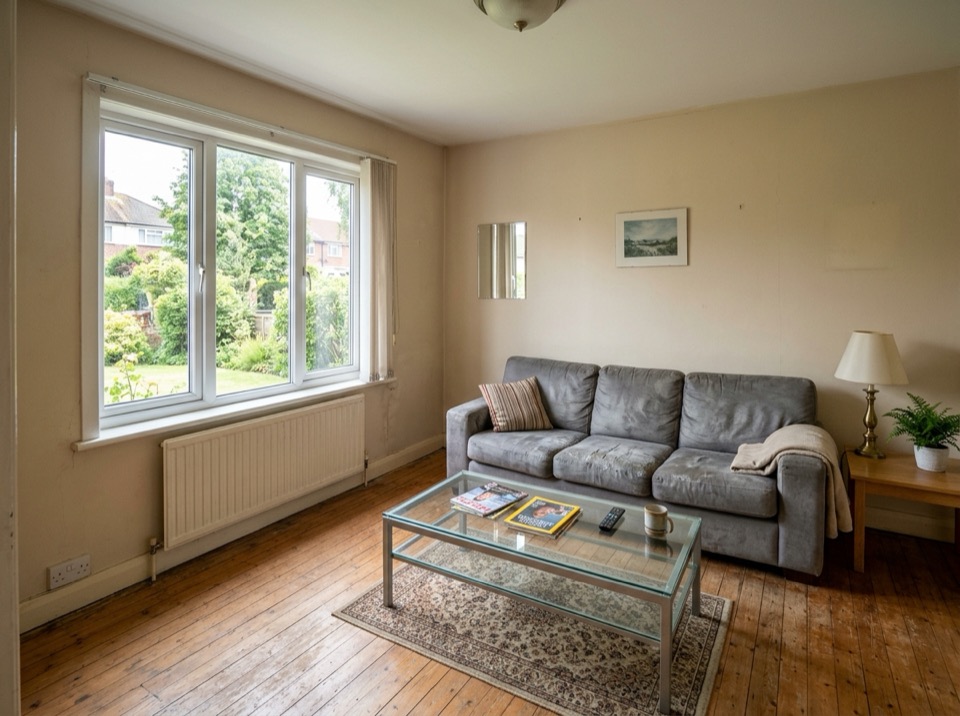
“Restyle this living room in a warm Japandi style: light oak, linen sofa, paper lamp, a few plants. Keep the windows, walls and layout.”
Image to image · GPT Image 2 · 2K
Use this prompt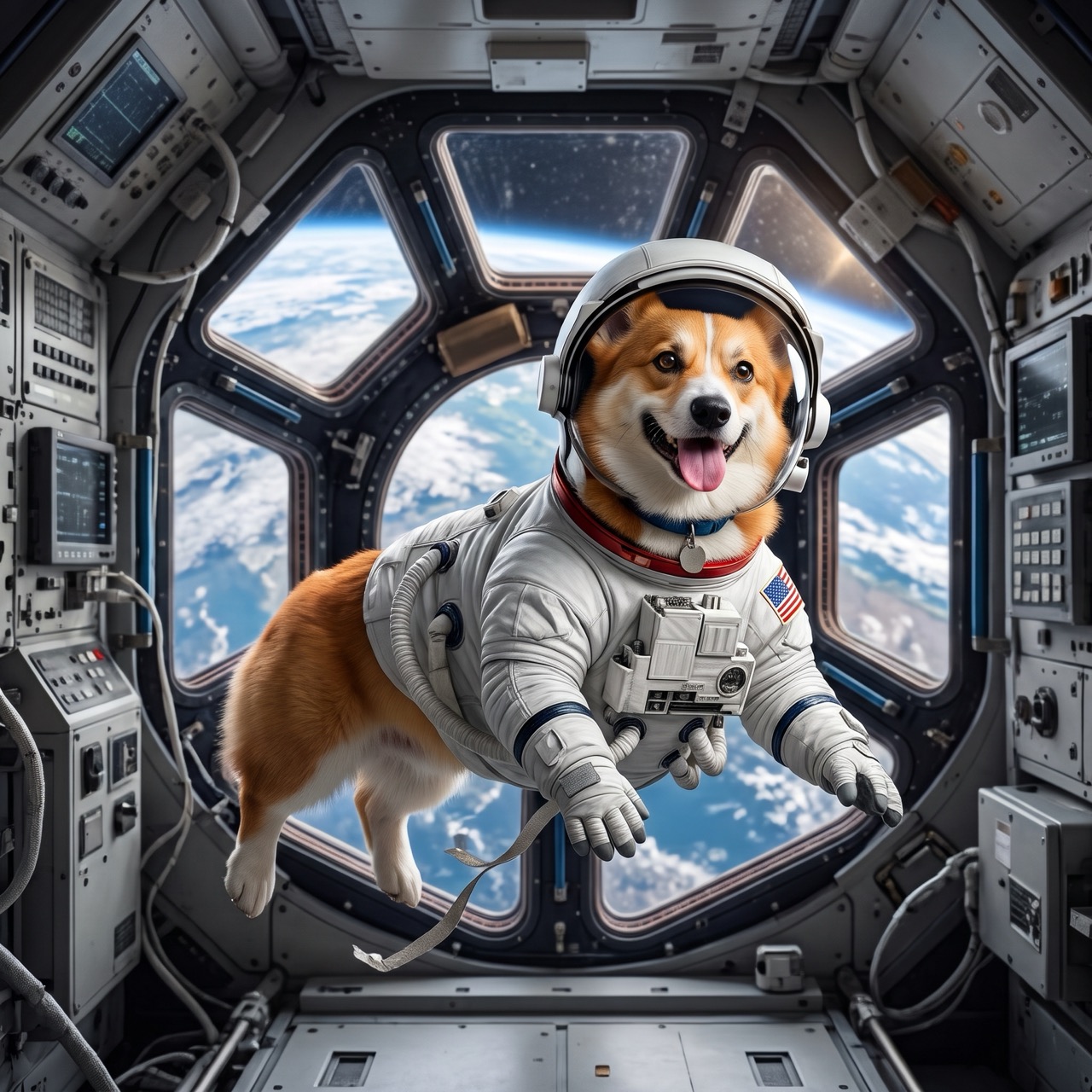 BeforeAfter
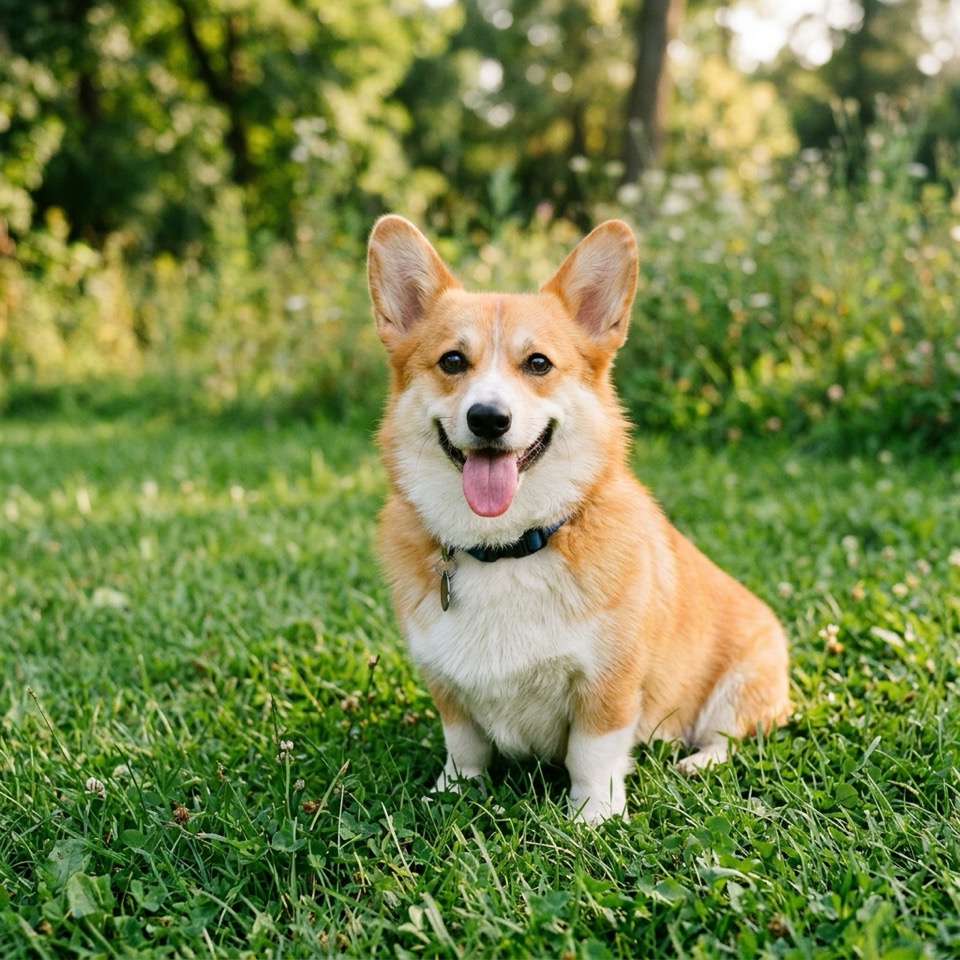
“Put the dog from Image 1 in the astronaut suit from Image 2, floating inside a space station, Earth in the window. Keep the dog's face and fur color.”
Image to image · Nano Banana 2 · 2K
Use this prompt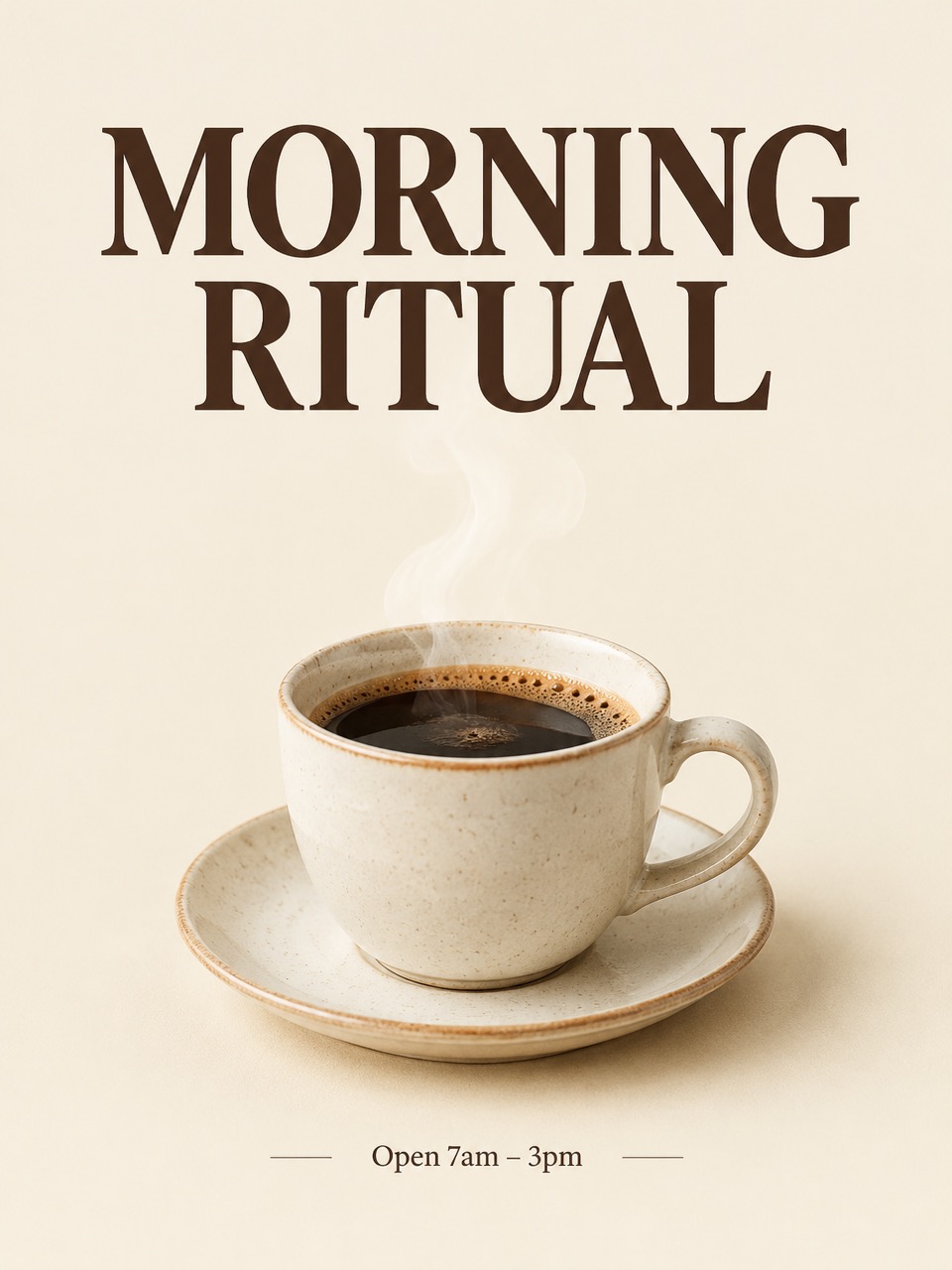
“A minimalist poster for a coffee shop called "MORNING RITUAL": a ceramic cup with steam on a cream background, bold serif headline at the top, small text "Open 7am – 3pm" at the bottom.”
Text to image · GPT Image 2 · 2K
Use this prompt
What is image to image AI?
Image to image AI takes a picture you already have plus a written instruction and returns a new picture: the same subject with a different background, style, outfit, light or detail. Unlike text to image, it starts from your pixels, so faces, products and layouts can stay recognizable.
This site runs four image models in the browser: Google's Nano Banana 2 and Nano Banana Pro, OpenAI's GPT Image 2 and ByteDance's Seedream 5.0 Flash. Upload up to 14 pictures, refer to them as Image 1, Image 2 in the prompt, pick a model and resolution, and download the result. You can also start from text alone.
Image To Image AI is an independent service and is not affiliated with or endorsed by Google, OpenAI or ByteDance. Nano Banana is a nickname for Google's Gemini image models; trademarks belong to their owners.
The models at a glance
Checked against the sources linked on each line.
- Nano Banana 2
- Google's Gemini 3.1 Flash Image, announced February 26, 2026: Pro-level quality at Flash speed, up to 5 characters and 14 objects kept consistent, output from 512 px to 4K. Google
- Nano Banana Pro
- Google's Gemini 3 Pro Image, announced November 20, 2025: legible text in images, 2K and 4K output, blends up to 14 images and keeps up to 5 people consistent. Google
- GPT Image 2
- OpenAI's model behind ChatGPT Images 2.0, announced April 21, 2026, with improved text rendering, multilingual text and visual reasoning. OpenAI
- Seedream 5.0 Flash
- ByteDance's faster, lower-cost Seedream 5.0 model: text to image and image to image with up to 10 reference images, output up to 2K. BytePlus (ByteDance)
- Reference images
- Nano Banana 2 takes up to 10 object and 4 character images; Nano Banana Pro up to 6 objects, 5 characters and 3 style images — 14 in total for each. Google AI for Developers
- Output
- 1K, 2K or 4K (Nano Banana 2 also 512 px), in aspect ratios from 1:8 to 8:1. Every Gemini image carries Google's invisible SynthID watermark. Google AI for Developers
What you can do with it
Four models, one prompt box, and the price on the button before you generate.
Four models, one place
Nano Banana 2, Nano Banana Pro, GPT Image 2 and Seedream 5.0 Flash. Switch models and your prompt and pictures stay.
Up to 14 reference images
Combine a person, a product, an outfit and a style in one edit. Each upload gets a name — Image 1, Image 2 — and typing @ inserts it in the prompt.
Keeps what matters
Say what to keep — the face, the logo, the layout — and what to change. Image to image starts from your pixels, so the subject stays recognizable.
Up to 4K
1K for drafts, 2K for posts and 4K for print on Nano Banana 2, Nano Banana Pro and GPT Image 2; Seedream goes up to 2K. Auto keeps your picture's shape.
Seconds, not minutes
Most images are ready in 10 to 60 seconds: about 15 s on Nano Banana 2 and Seedream, 20 s on GPT Image 2 and 50 s on Nano Banana Pro.
Private by default
Your uploads and results are visible only to you. Uploads are deleted after 30 days; results stay in your library until you delete them.
How it works
Three steps, usually under a minute.
- 01
Upload a picture
Add one or more JPG, PNG or WebP pictures, up to 10 MB each. Or skip this step and start from text.
- 02
Say what to change
Describe the edit in plain words and what to keep, for example "make it golden hour, keep her face and the dress". With several pictures, refer to them as Image 1, Image 2.
- 03
Generate and download
Pick the model, resolution and shape, see the price on the button, and download the image when it's ready.
Which model should I use?
Start with Nano Banana 2. Switch when you need sharper text, closer instruction following or a lower price.
| Nano Banana 2 | Nano Banana Pro | GPT Image 2 | Seedream 5.0 Flash | |
|---|---|---|---|---|
| Best for | Everyday edits that keep faces and products | Careful edits and text in images | Detailed instructions, posters and typography | Quick, low-cost drafts |
| Resolution | 1K / 2K / 4K | 1K / 2K / 4K | 1K / 2K / 4K | 1K / 2K |
| Reference images | Up to 14 | Up to 14 | Up to 14 | Up to 10 |
| Typical wait | About 15 s | About 50 s | About 20 s | About 15 s |
| Price | From 2 credits | From 4 credits | From 2 credits | From 2 credits |
Pay per image
300 credits for $9.99. Nano Banana 2 at 1K is 2 credits an image, so the smallest pack makes about 150 images — roughly $0.07 each.
Starter
$9.99
300 credits · one-time
- ≈ 150 Nano Banana 2 images at 1K
- ≈ 50 Nano Banana Pro images at 4K
- $0.07 per Nano Banana 2 1K image
Creator
Most popular$29.99
1000 credits · one-time
- ≈ 500 Nano Banana 2 images at 1K
- ≈ 166 Nano Banana Pro images at 4K
- $0.06 per Nano Banana 2 1K image
Studio
Save 16%$69.99
2500 credits · one-time
- ≈ 1250 Nano Banana 2 images at 1K
- ≈ 416 Nano Banana Pro images at 4K
- $0.06 per Nano Banana 2 1K image
Nano Banana 2
GoogleGoogle's fast image model (Gemini 3.1 Flash Image) and the default here. Good at keeping faces, products and layouts while it edits; about 15 seconds.
| Resolution | Per image | ≈ Price |
|---|---|---|
| 1K | 2 credits | $0.07 |
| 2K | 3 credits | $0.10 |
| 4K | 4 credits | $0.13 |
Up to 14 reference images per edit, included in the price.
Nano Banana Pro
GoogleGoogle's Gemini 3 Pro Image. The most careful edits and the most legible text in images; slower, about 50 seconds.
| Resolution | Per image | ≈ Price |
|---|---|---|
| 1K | 4 credits | $0.13 |
| 2K | 4 credits | $0.13 |
| 4K | 6 credits | $0.20 |
Up to 14 reference images per edit, included in the price.
GPT Image 2
OpenAIOpenAI's image model. Follows long, detailed instructions closely and sets clean typography for posters and mockups; about 20 seconds.
| Resolution | Per image | ≈ Price |
|---|---|---|
| 1K | 2 credits | $0.07 |
| 2K | 3 credits | $0.10 |
| 4K | 4 credits | $0.13 |
Up to 14 reference images per edit, included in the price.
Seedream 5.0 Flash
ByteDanceByteDance's fast, low-cost Seedream 5.0 model. Good for quick drafts and variations; up to 2K, about 15 seconds.
| Resolution | Per image | ≈ Price |
|---|---|---|
| 1K | 2 credits | $0.07 |
| 2K | 2 credits | $0.07 |
Up to 10 reference images per edit, included in the price.
One-time packs · purchased credits never expire · back automatically if an image fails
Image to image AI questions
By the Image To Image AI team ·
It's AI that changes a picture you upload according to a written instruction: a new background, style, outfit, light or season while the subject stays recognizable. Image To Image AI runs Nano Banana 2, Nano Banana Pro, GPT Image 2 and Seedream 5.0 Flash for it in the browser, with no app or setup.
Upload your picture, write what should change and what should stay ("replace the sky with a sunset, keep the house"), pick a model and press Generate. The new image is usually ready in 10 to 60 seconds.
You can start free. A new account gets 10 credits — 5 Nano Banana 2 images at 1K. Check in every day for one free Nano Banana 2 1K image, and a 7-day streak adds bonus credits (2 on day 3, 6 on day 7). After that, images use credits from one-time packs: 300 credits for $9.99. Failed images cost nothing.
From 2 credits (Nano Banana 2, 1K) to 6 credits (Nano Banana Pro, 4K) per image — about $0.07 for a Nano Banana 2 image in the smallest pack. Reference images are included, and the button shows the exact cost before you generate.
Four: Google's Nano Banana 2 (Gemini 3.1 Flash Image) and Nano Banana Pro (Gemini 3 Pro Image), OpenAI's GPT Image 2 and ByteDance's Seedream 5.0 Flash. All four do image to image and text to image.
Start with Nano Banana 2: it's fast and good at keeping faces and products the same. Use Nano Banana Pro for the most careful edits or text inside the image, GPT Image 2 for long, precise instructions and typography, and Seedream 5.0 Flash for quick, low-cost drafts.
Yes. Upload up to 14 pictures (10 on Seedream). They're named Image 1, Image 2… in upload order; type @ in the prompt to insert one and say what it's for, for example "put the jacket from Image 2 on the man in Image 1".
Say it in the prompt: "keep her face, hair and pose exactly the same" or "keep the logo and label unchanged". Change one or two things per edit, and use Nano Banana 2 or Nano Banana Pro, which are strongest at consistency.
1K, 2K or 4K on Nano Banana 2, Nano Banana Pro and GPT Image 2, and 1K or 2K on Seedream. Choose Auto to keep your first picture's shape, or a ratio from 21:9 to 9:16.
Yes. Put the exact words in quotes and say where they go, for example a headline "SUMMER SALE" at the top. Nano Banana Pro and GPT Image 2 render text most reliably.
Yes, the images you make are yours to use, as long as your prompt and uploads don't infringe anyone's rights. See the terms for details.
They're used only to make your image and are deleted 30 days later. Finished images stay in your library until you delete them, and no one else can see them.
Your credits go back to your balance automatically. Requests the provider rejects, for example for content, are not charged either.